Container List
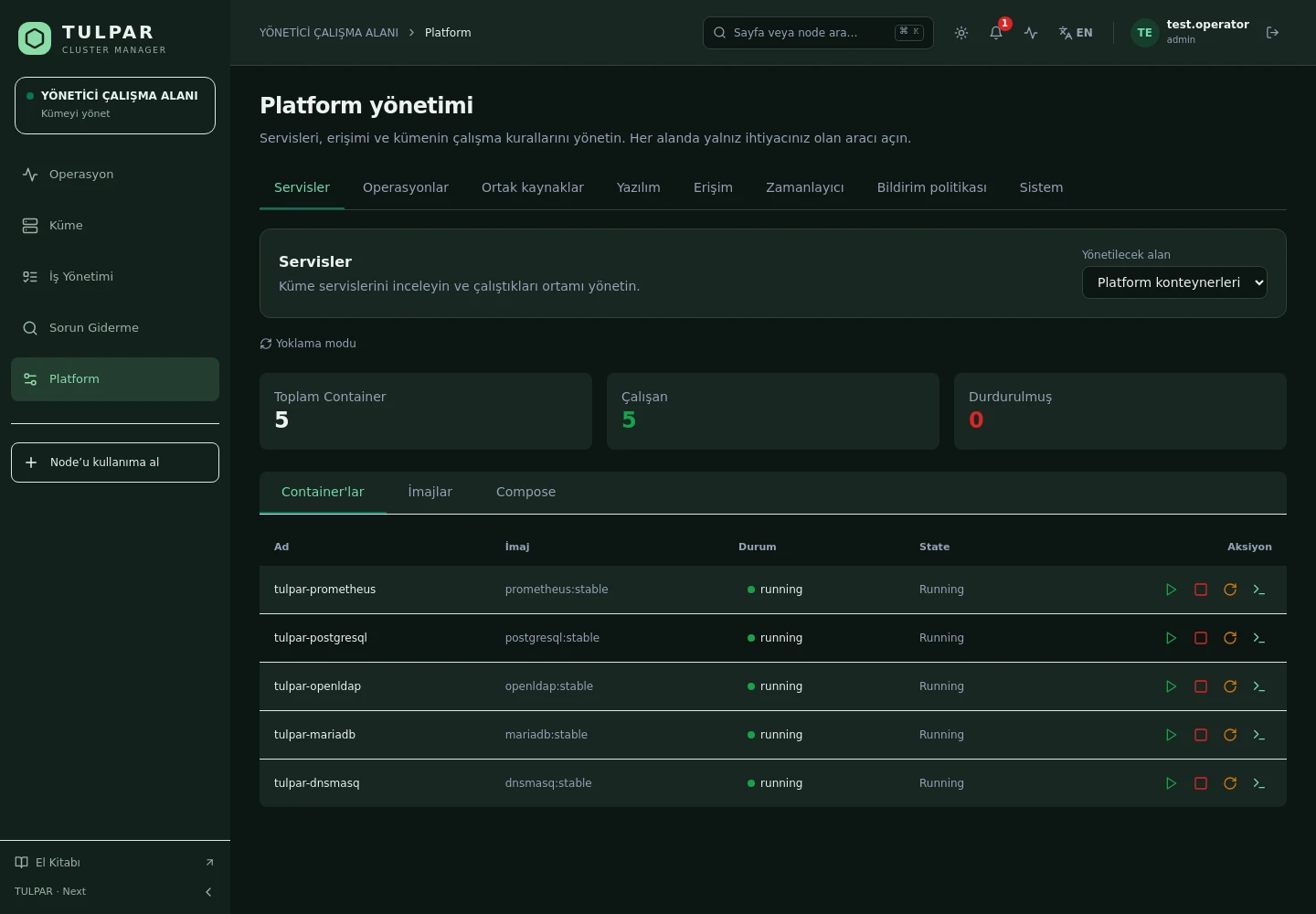
All containers in one list with state, image and resource summary; one click to drill into details.
 CLUSTER MANAGER
Docker Pod Management
Manage the containers running your cluster services from one screen: lifecycle, live logs, instant metrics and compose visibility — no SSH required.
Log streams and container metrics arrive live over WebSocket — no page refresh.
Not the raw Docker socket: a read-only socket-proxy bridge exposes only the required API.
What's Inside
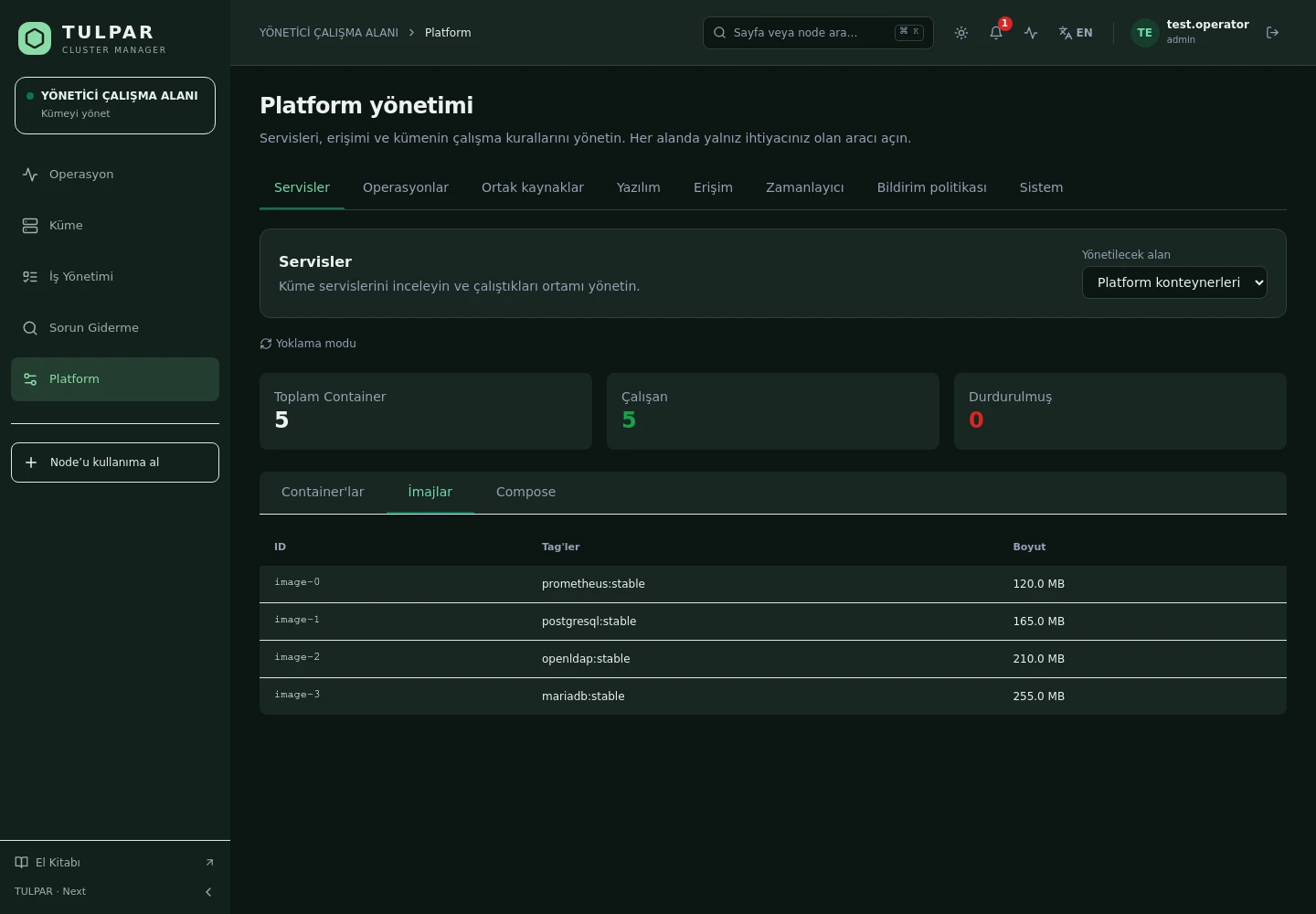
Every container running the panel stack and services is managed from one list.
All containers in one list with state, image and resource summary; one click to drill into details.
Start, stop and restart from the panel — asynchronous, so the UI never blocks.
Watch container logs in real time with an xterm.js-based terminal experience.
CPU, memory and network metrics refresh every 2 seconds over WebSocket.
Container inspect output, environment and mount information rendered readably in the panel.
View the docker-compose.yml from the panel — the stack's source is always at hand.
TULPAR / Docker Pod Management
TULPAR itself runs on Docker — the panel manages its own stack with the same rigor.
GOOD TO KNOW
Got questions? Everything you need to know about installation, licensing and scaling is here.
tulpar-preflight.sh prepares the prerequisites, install.sh brings up the whole stack; you then enter the admin password, NTP, LDAP and SLURM settings in the web wizard. A typical installation completes in minutes.docker load. Every component works on a closed network, including node installation, monitoring and central logging.READY FOR YOUR NEXT COMPUTATION
Let’s explore what TULPAR can do for your cluster.
Request a demo