TULPAR

Backup & Continuity

You Have a Backup — Does It Restore?

A nightly job backs up the databases and cluster configuration, a restore drill proves the backup actually comes back, and the nightly watchdog checks that it is fresh.

Fail-fast on critical sources

If the databases can't be backed up, the job isn't quietly counted as a success — it exits with a critical error.

Proven restore

The drill restores the backup into isolated, throwaway containers; its effect on the live system is zero.

TULPAR / Backup & Continuity
Backup & Continuity
Current TULPAR interface in Turkish · Sample test data

What's Inside

What Do You Actually Have When Disaster Strikes?

Continuity starts not with taking a backup but with knowing you can come back from it.

01

Nightly Automatic Backup

PostgreSQL, the panel identity/audit database and Slurm accounting are backed up every night; retention is configurable.

02

Image Registry

The OCI image registry can be included in the backup — your node images never have to be rebuilt from scratch.

03

Config Bundle

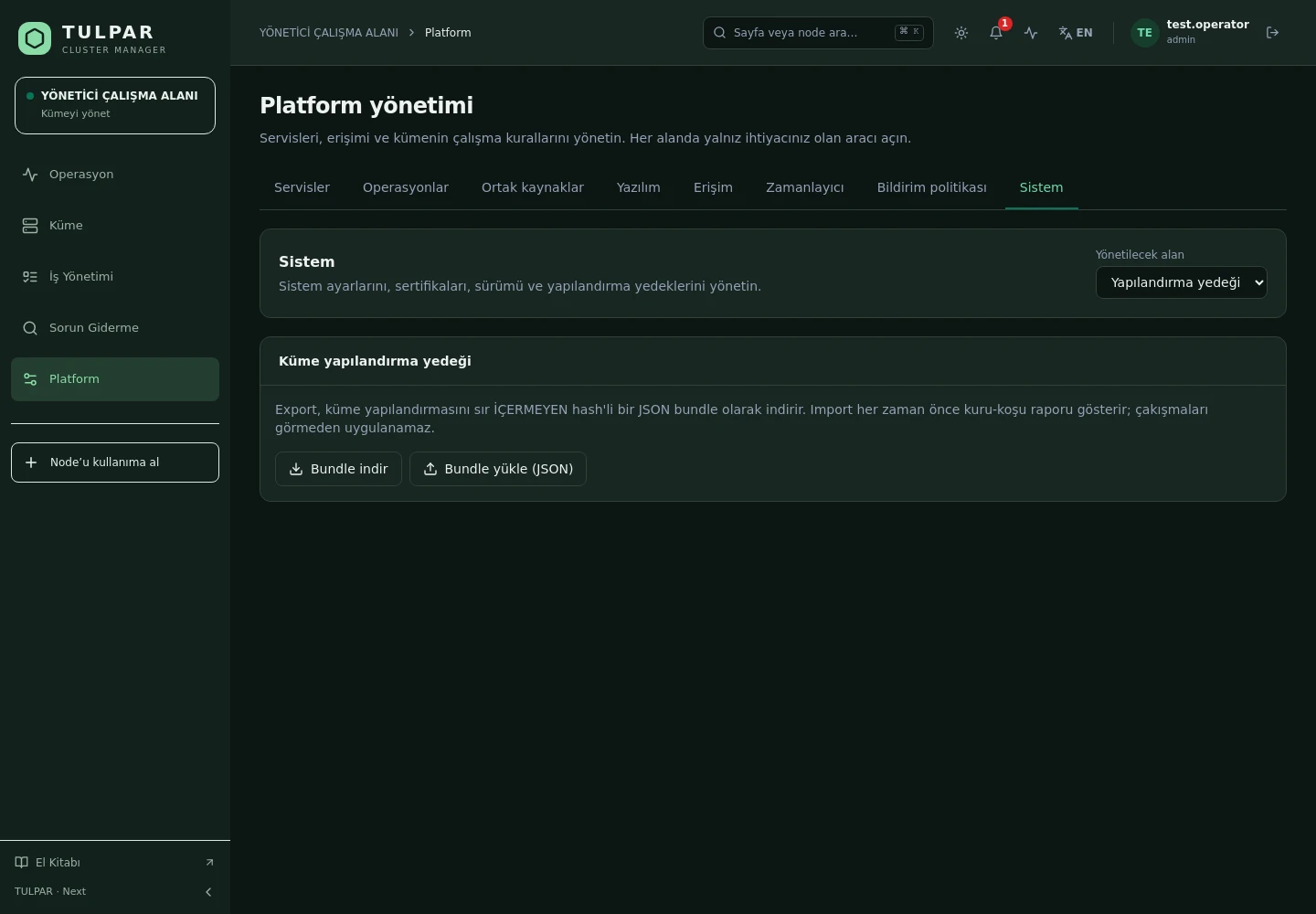
Inventory and licensing configuration export as a checksummed JSON bundle with secrets redacted.

04

Mandatory Dry Run

Importing a bundle produces a dry-run report first; nothing is applied before you have seen what would change.

05

Nightly Watchdog

Deployment drift, unexpected server errors and backup freshness are checked every night; findings go into the panel's event stream.

06

Support Bundle

Open a support case with a one-click diagnostic bundle — no need to log into the server to collect logs.

TULPAR / Backup & Continuity

Not a Backup — a Guarantee of Return

Taking a backup is easy; the real question is whether it comes back when disaster strikes.
Isolated restore drill
The drill spins up throwaway containers on a network entirely separate from production, using temporary storage; backup files are read-only and everything is cleaned up in every case.
What the drill proves
Checksum consistency, that the database dumps genuinely restore, that the schema version is at the expected level, and that panel users can be read back from the restored copy.
Air-gap-ready bundle
The bundle is SHA-256 checksummed and contains no secrets; it can be hand-carried into a closed network safely.
Asynchronous operation pattern
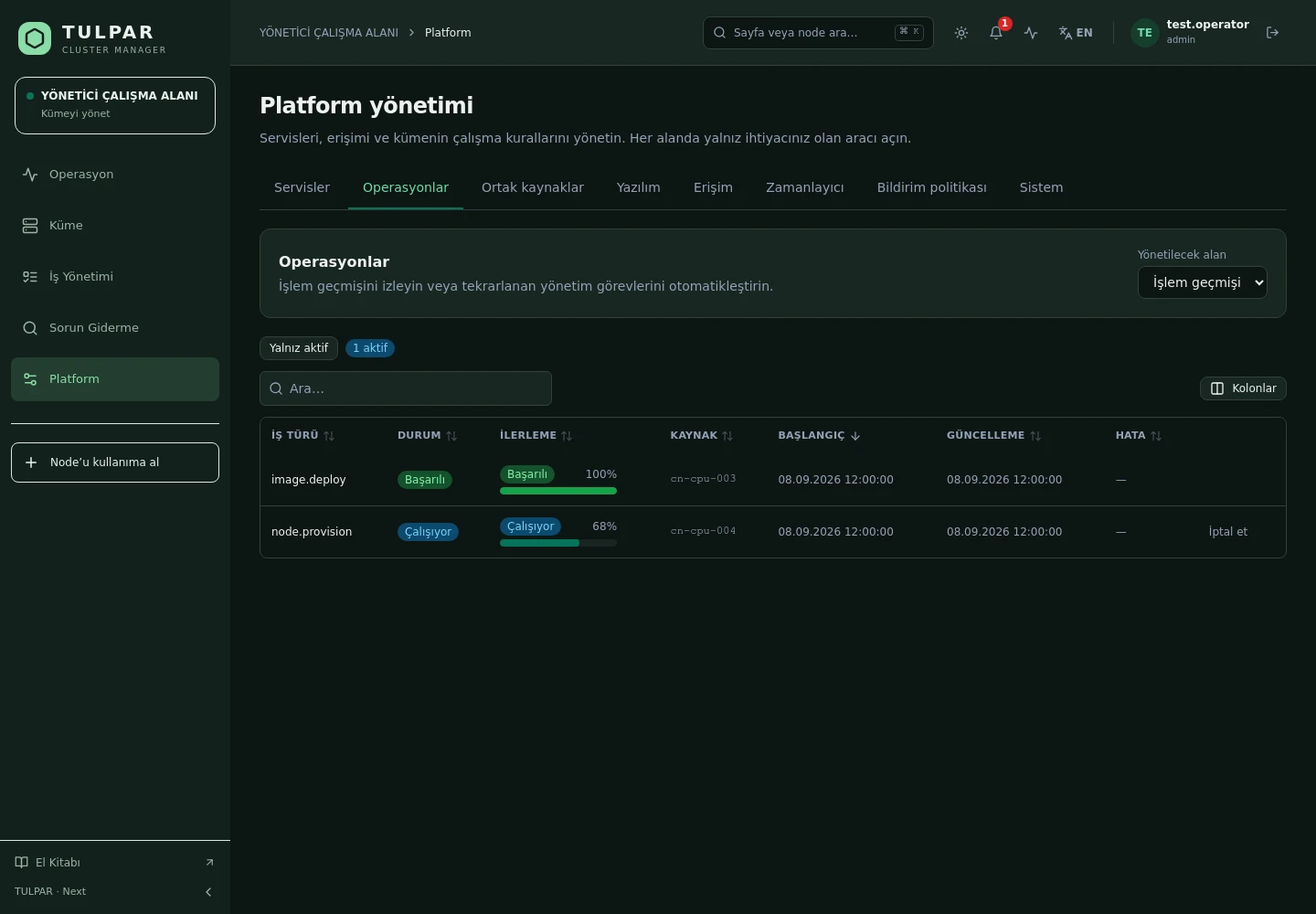
Long-running backup and restore jobs run as background operations whose progress is followed from the panel.
Backup & Continuity
Not a Backup — a Guarantee of Return
Current TULPAR interface in Turkish · Sample test data

GOOD TO KNOW

Frequently Asked Questions

Got questions? Everything you need to know about installation, licensing and scaling is here.

How is TULPAR licensed?
TULPAR is an enterprise product offered under a commercial license. Licensing is annual, based on your cluster scale and the support coverage you need; every license includes the full feature set — there is no feature gating. Contact us through the contact page for a quote.
How long does installation take and what do I need?
An EL9-based head server is enough. tulpar-preflight.sh prepares the prerequisites, install.sh brings up the whole stack; you then enter the admin password, NTP, LDAP and SLURM settings in the web wizard. A typical installation completes in minutes.
Does it work with my existing Slurm cluster?
TULPAR talks to Slurm over the slurmrestd REST API and falls back to the CLI automatically, providing a stable, version-independent interface. Head Slurm components run natively on the host (dnf/systemd) and share the same repository and version as the compute nodes.
Can it be installed in an air-gapped environment without internet access?
Yes. RPM repositories travel with the product, the Slurm package repository can be imported as a GPG-signed offline bundle, and container images are loaded with docker load. Every component works on a closed network, including node installation, monitoring and central logging.

READY FOR YOUR NEXT COMPUTATION

Unleash your
infrastructure’s potential.

Let’s explore what TULPAR can do for your cluster.

Request a demo