Rule-Based Alerts
Define rules on metric thresholds, health checks or event types; a useful default rule set ships with the panel.
 CLUSTER MANAGER
Alerting & Incident Management
Rule-based alerts watch metric thresholds and health events; when one fires it reaches you by email, webhook and in-panel notification — with silences and maintenance windows to match.
Threshold → firing → notification → acknowledgement; the whole chain is followed on one screen.
A time-boxed silence suppresses only the notification; the alert keeps evaluating normally in the background.
What's Inside
From defining a rule to reviewing incident history, every step happens in the panel.
Define rules on metric thresholds, health checks or event types; a useful default rule set ships with the panel.
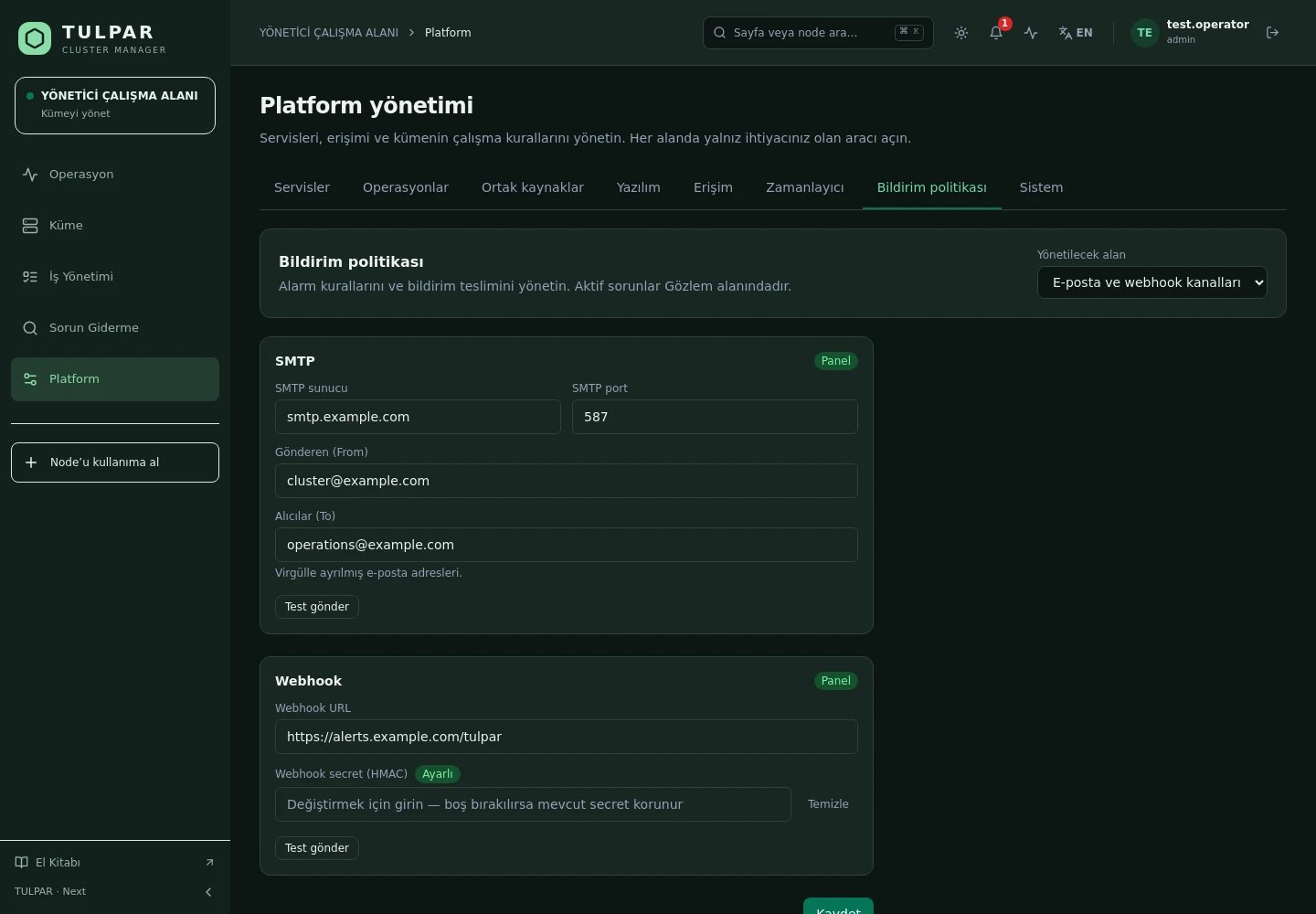
Email (SMTP), webhook and in-panel notification; channel settings are managed in the panel and secrets come back masked.
Define a time-boxed silence for planned maintenance; when the window ends the silence lifts itself.
Take ownership of a firing alert; who acknowledged it and when is recorded.
Send a test notification before a channel goes live — no surprise webhook failures at the critical moment.
Alerts, health events and system events converge into one stream, making retrospectives straightforward.
TULPAR / Alerting & Incident Management
The alerting engine doesn't just inform you — it is the signal source for the automation engine.
GOOD TO KNOW
Got questions? Everything you need to know about installation, licensing and scaling is here.
tulpar-preflight.sh prepares the prerequisites, install.sh brings up the whole stack; you then enter the admin password, NTP, LDAP and SLURM settings in the web wizard. A typical installation completes in minutes.docker load. Every component works on a closed network, including node installation, monitoring and central logging.READY FOR YOUR NEXT COMPUTATION
Let’s explore what TULPAR can do for your cluster.
Request a demo