TULPAR panel TULPAR panel
Enterprise HPC Management Panel

Manage Your HPC Cluster from a Single Panel

Slurm job management, Warewulf 4 provisioning, node health and infrastructure services — manage, monitor and use your cluster end to end from a web browser with TULPAR.

Why TULPAR

HPC Management Now Takes Minutes, Not Weeks

TULPAR is a Docker-native platform that manages the OpenHPC component stack — Warewulf, Slurm, LDAP, NTP, DNS — from a single panel. It installs with two commands and is up and running in minutes via a web wizard; one interface instead of SSH and CLI sprawl.

How It Works

Four Steps from Install to Production

TULPAR simplifies complex HPC setup: two commands, one web wizard, and your cluster is production-ready. Nodes are discovered automatically and configurations converge on their own.

Install

Two commands and a web wizard — the full stack comes up with your own values in minutes.

Connect

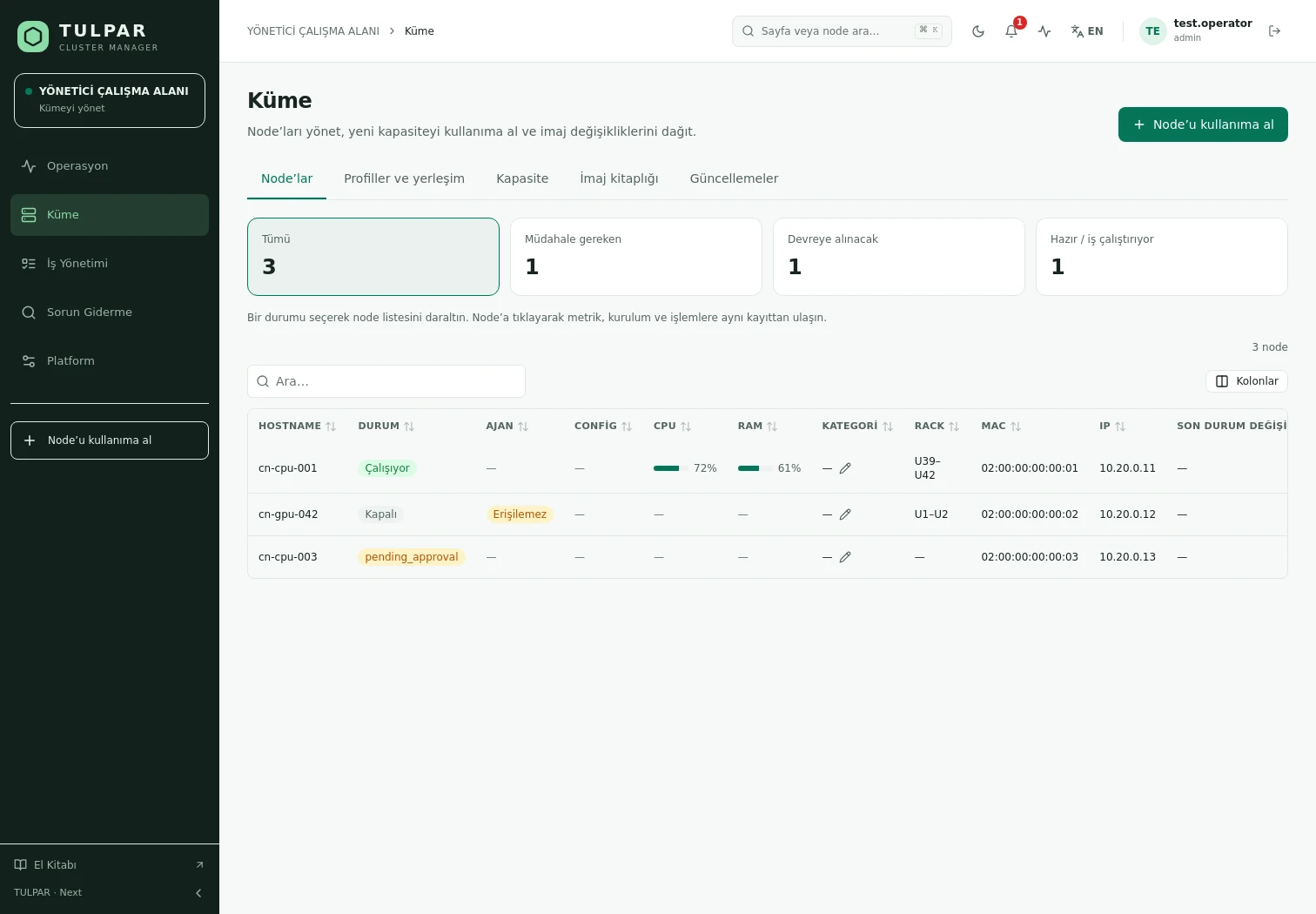
Discover and approve nodes over PXE — Slurm, NTP, LDAP and DNS are provisioned automatically.

Automate

Trigger drain, reboot or notifications on metric thresholds or health events with the rule engine.

Monitor

Keep a finger on the cluster's pulse with the event timeline, alert rules and central log store.

Observability

Data-Driven Cluster Management

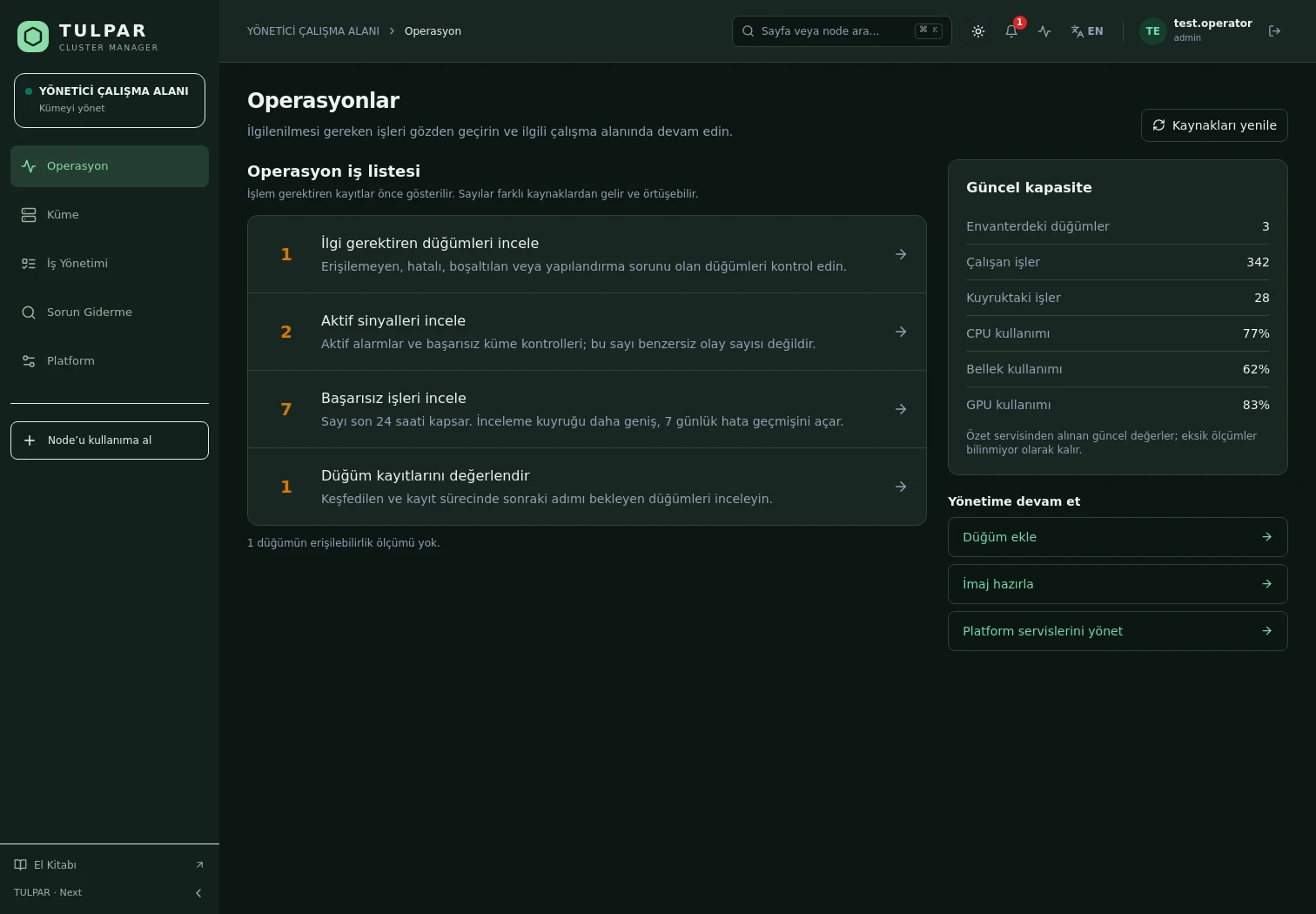
Instead of hopping between nodes over SSH, see the real state of your cluster on one screen with Prometheus-based metrics and a unified event stream.

  • Real-time metrics

    CPU, RAM, disk, GPU and InfiniBand metrics are collected automatically from every node; in the job detail view, Slurm accounting data joins Prometheus series.

  • Alerting and event management

    Rule-based alerts arrive via SMTP, webhook or in-panel notifications; silence windows and an ack flow keep alert fatigue away.

For Researchers

Submitting Jobs Has Never Been Easier

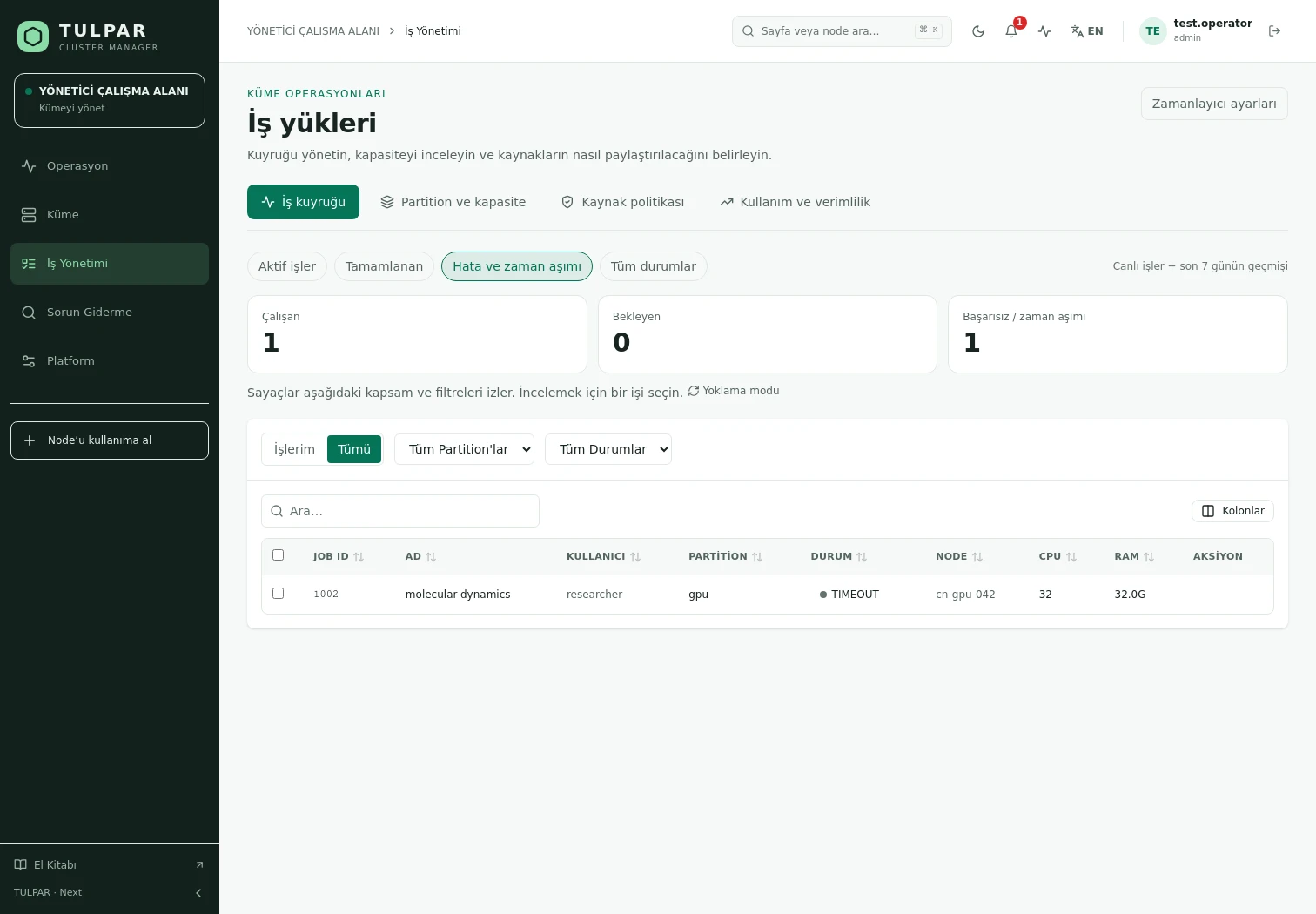
Instead of wrestling with sbatch scripts, researchers submit jobs from a web form, watch the queue and track their own resource usage.

  • Parameterized job templates

    Turn frequent jobs into templates and share them with the team — users submit correctly configured jobs in seconds by filling in a few parameters.

  • Per-user permissions and attribution

    Every job is submitted under the signed-in user's identity; fairshare, accounting and RBAC scoping — team leads see only their own team's jobs.

Enterprise Resilience

Runs Smoothly Even Air-Gapped

  • Offline environment support

    Local RPM repositories, GPG-signed offline bundles and in-panel package import — complete installation and updates even on closed networks.

  • Security and auditability

    Every mutation lands in the audit log automatically, with SHA-256 hash-chain tamper detection; nightly backups and config bundle export/import are standard.

Frequently Asked Questions

Got questions? Everything you need to know about installation, licensing and scaling is here.

TULPAR is an enterprise product offered under a commercial license. Licensing is annual, based on your cluster scale and the support coverage you need; every license includes the full feature set — there is no feature gating. Contact us through the contact page for a quote.

An EL9-based head server is enough. tulpar-preflight.sh prepares the prerequisites, install.sh brings up the whole stack; you then enter the admin password, NTP, LDAP and SLURM settings in the web wizard. A typical installation completes in minutes.

TULPAR talks to Slurm over the slurmrestd REST API and falls back to the CLI automatically, providing a stable, version-independent interface. Head Slurm components run natively on the host (dnf/systemd) and share the same repository and version as the compute nodes.

Yes. RPM repositories travel with the product, the Slurm package repository can be imported as a GPG-signed offline bundle, and container images are loaded with docker load. Every component works on a closed network, including node installation, monitoring and central logging.

%